In this article
- The 7 best AI image generators in 2026
- 1. Pubbly — best AI image generator for social media
- 2. Nano Banana (Google Gemini) — free until the daily cap
- 3. ChatGPT — conversational refining, one image at a time
- 4. Midjourney — strong aesthetics, no free tier
- 5. Ideogram — focused on text inside images
- 6. Canva AI — tied to the editor and the template
- 7. Adobe Firefly — built for corporate use
- What each one costs
- Comparison: what each one actually ships
- Which one to pick, in one line
- What is an AI image generator?
- How does an AI image generator work?
- What improves results the most (any tool)
- FAQ
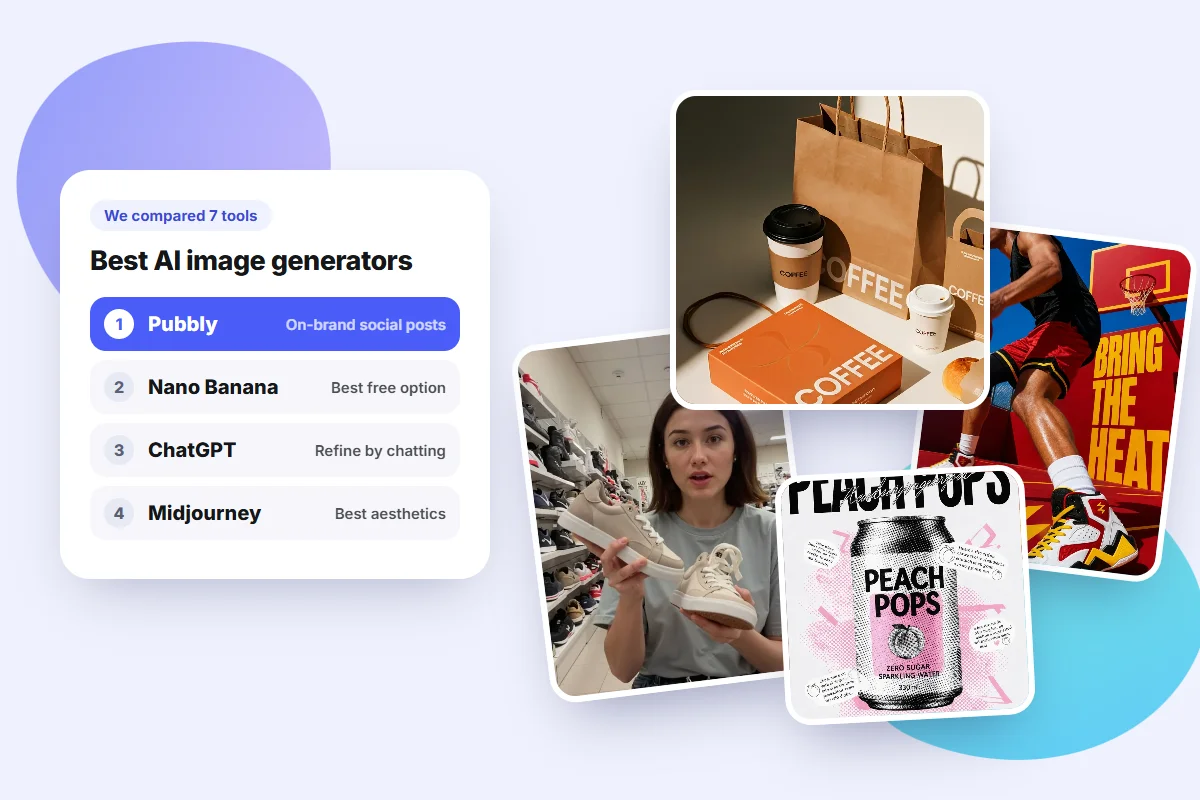
Every "best AI image generator" list has the same problem: it ranks tools by how pretty the output is, then stops. But most people searching for one aren't trying to make art. They're trying to make a post — on brand, in the right size, with the copy written and scheduled. That's a completely different job, and almost none of these tools do it.
So this list is organized by the job, not by the hype. Seven tools, what each one is actually best at, and where each one leaves you stuck.
Key takeaways
- For on-brand social media posts, Pubbly is the best option: it creates the visual, writes the copy and publishes it for you.
- None of them is genuinely free. Free tiers come with daily caps, watermarks or restricted use, and they all funnel you toward a paid plan.
- The generic tools hand you an image and stop there. Format, caption, brand identity and publishing stay your job.
- What separates a good image from an obviously-AI one is rarely the model. It's the prompt and the stated end use.
The 7 best AI image generators in 2026
Before the list, how I got to it. I use Pubbly every day to generate images for real client posts — a clothing store, a clinic, a law firm, a coffee shop. So the Pubbly section is daily use, not a lab test. For the other six, I checked the official sites and help centers in November 2026 and used each in the scenario where it's strongest.
Prices quoted are US figures and serve as a reference point: they vary by country and change constantly, so always check the official pricing page before subscribing. Every example image in this article was generated in Pubbly, untouched.
1. Pubbly — best AI image generator for social media
Pubbly is the one to pick when the image has a job: getting posted.
The difference starts before your first prompt. You enter your Instagram handle, and Pubbly reads the profile to build your brand DNA: color palette, visual style, typography, audience and tone of voice. From then on, every image comes out on brand. You don't repeat "deep teal background, sans-serif type, warm tone" in every prompt and hope the next one matches the last.
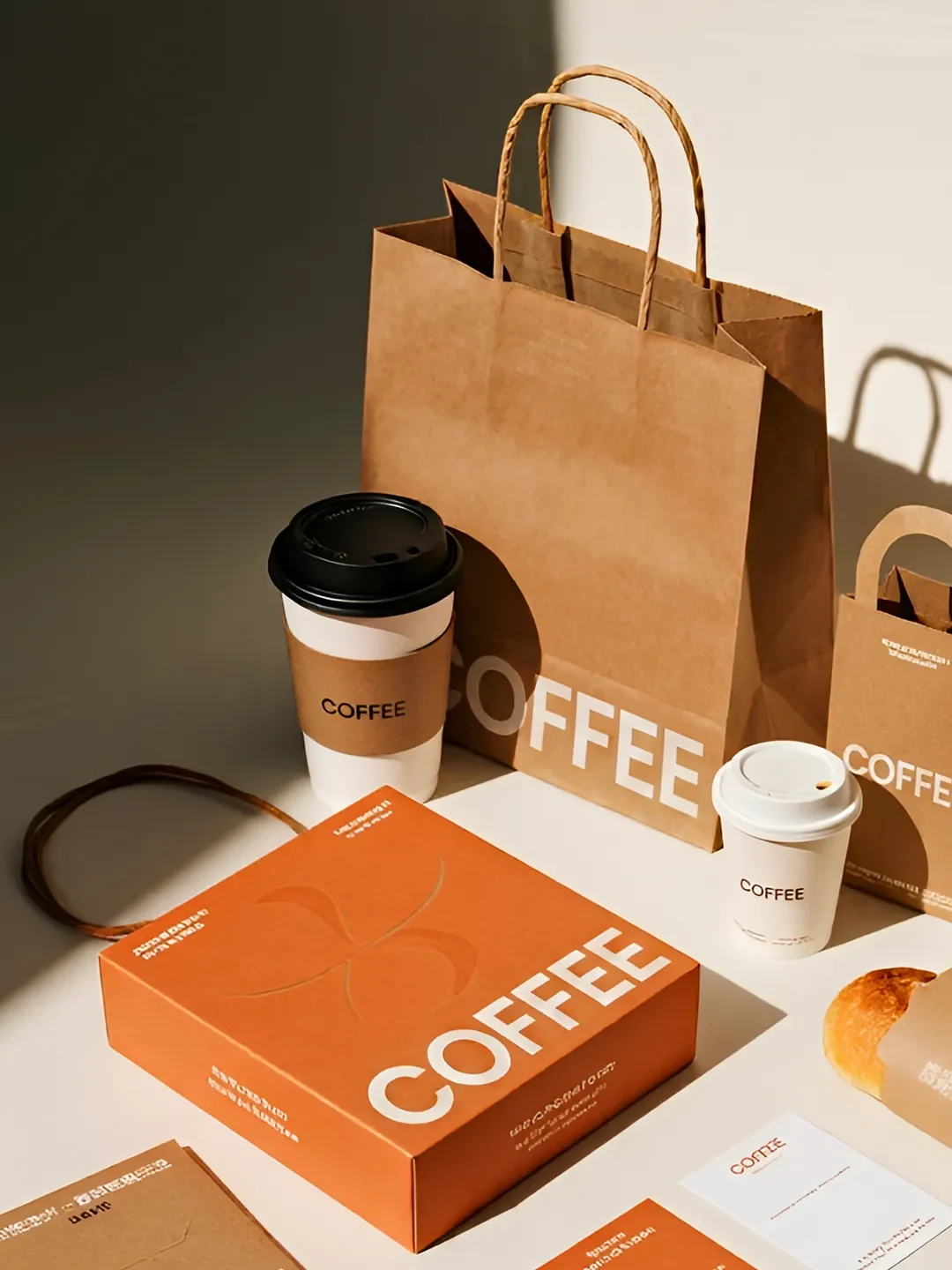
That's the part that actually solves the real problem. Generating one nice image is easy in any tool. Generating thirty that look like they belong to the same account is where generic tools fall apart.
What it does that the others don't:
- The whole carousel, not one loose image. Cover, slides in sequence, the copy for each slide and a caption with a call to action. You get the finished post, not parts to assemble.
- Correct format per platform. Feed, Stories and Reels come out at the right size, with space reserved for the headline.
- Auto-publishing. Instagram, TikTok, Facebook and YouTube, at the best time. You approve in the app and it goes out.
- A 30-day content plan. The marketing agent proposes the whole month. You just approve.
- Editing by description. Swap the model's outfit, change the scene, drop your product into the shot — no Photoshop.
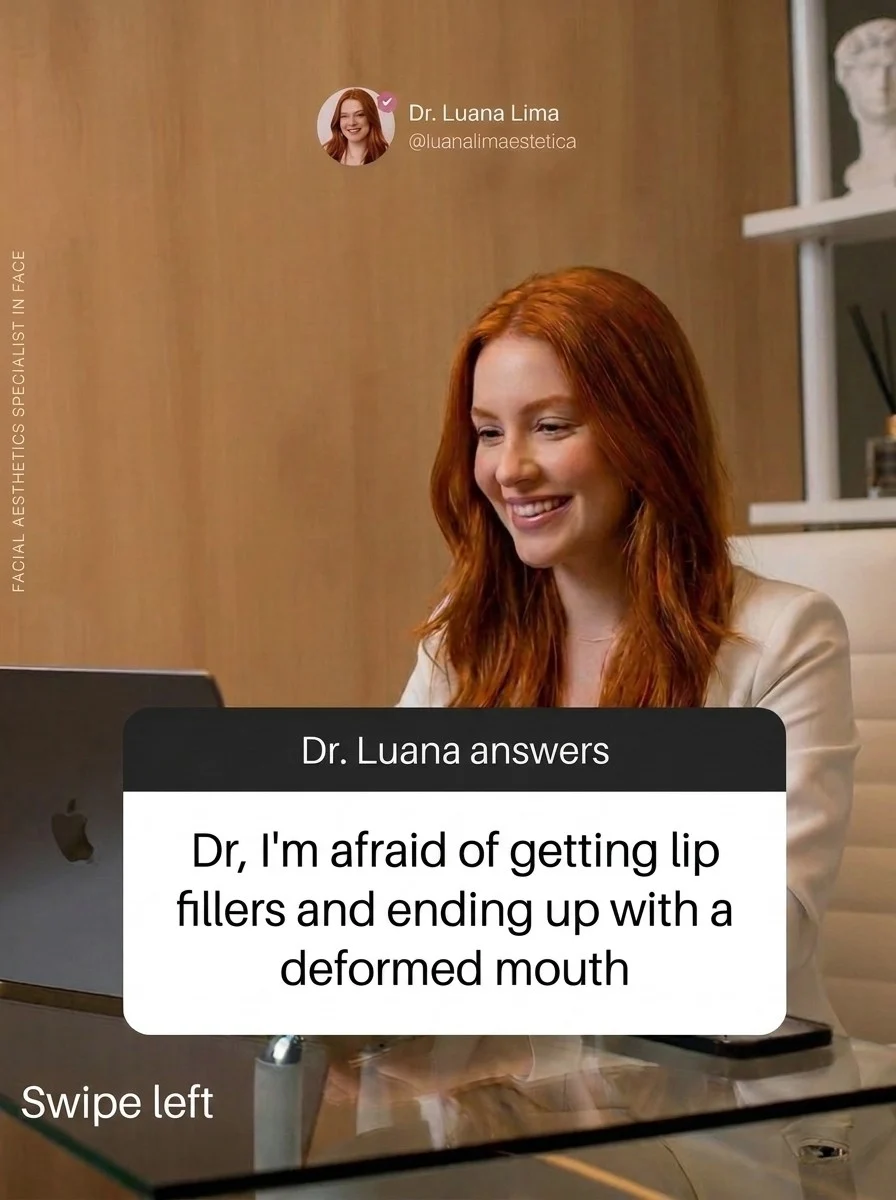
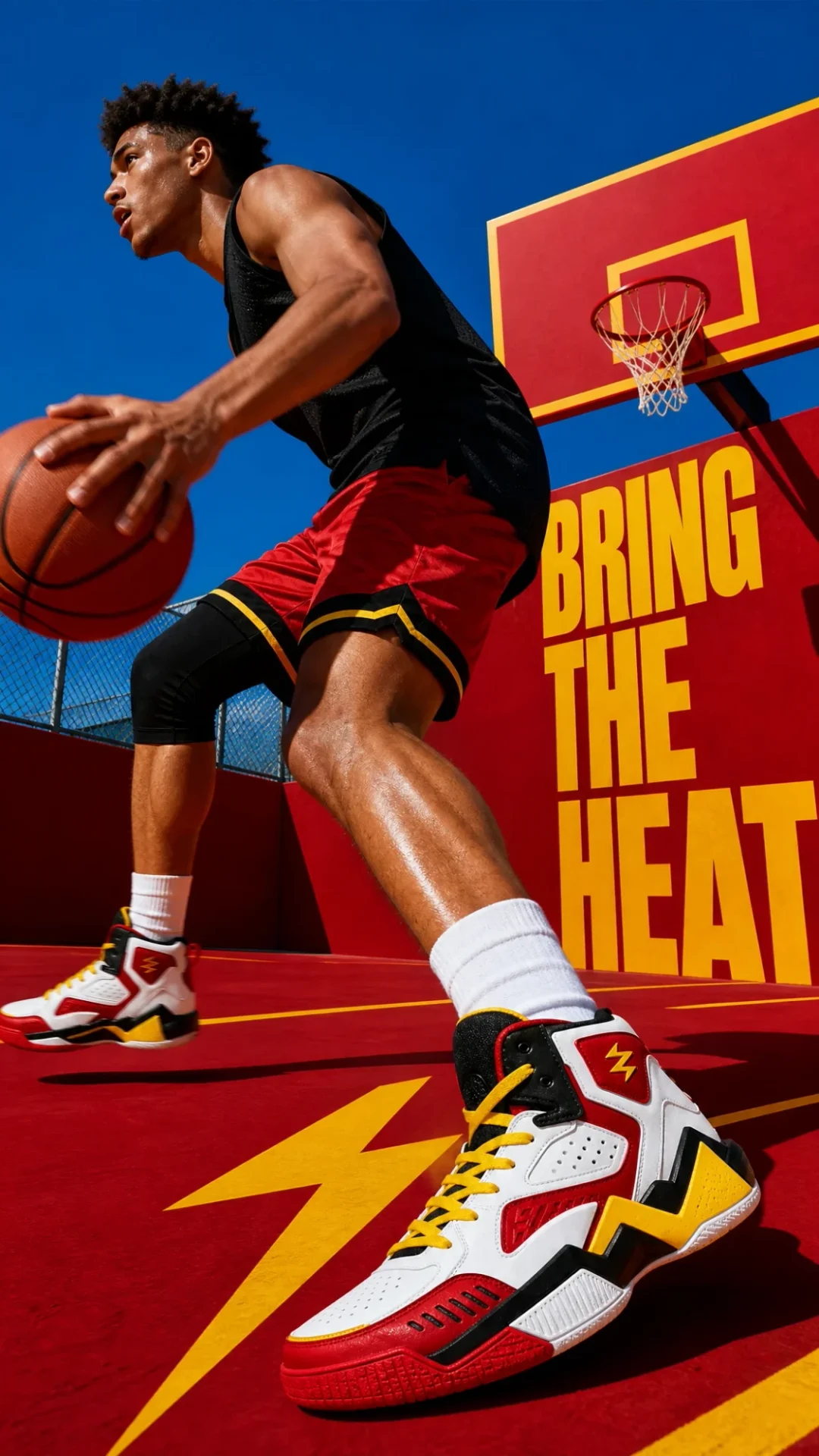
It also handles the work around the post: product photography, ad creative, and UGC-style content that looks like a real customer filmed it.
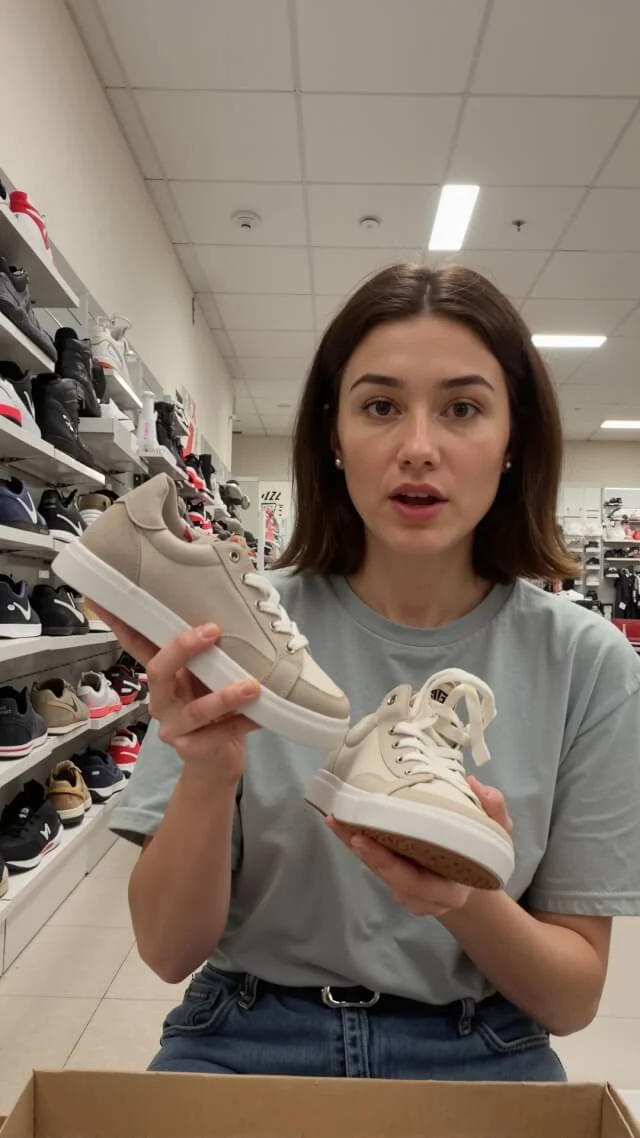
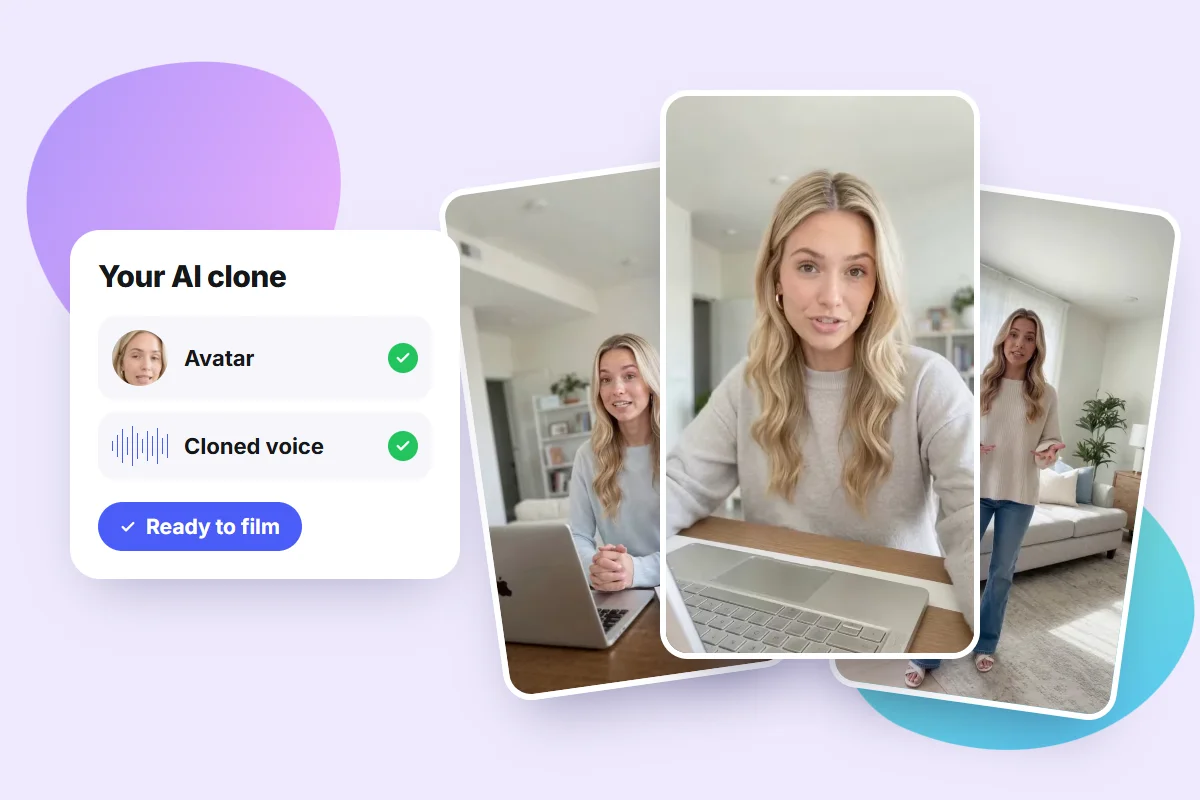
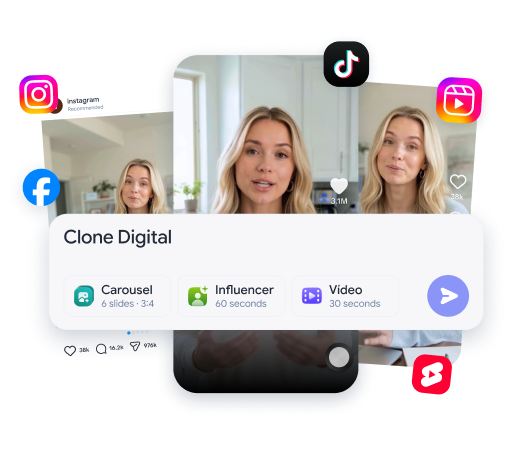
And it doesn't stop at images. The same ideas become Reels, TikToks and Shorts presented by your AI clone, with your face and your voice, without turning on a camera. Same brand, same tone, same auto-publishing — now in video.
Best for: stores and e-commerce, licensed professionals (doctors, dentists, lawyers, therapists, nutritionists), creators and small businesses that need to post consistently.
The honest caveat: Pubbly is built for branded social content. If you want fine-art illustration, concept art or an album cover, Midjourney delivers more. Different problems.
2. Nano Banana (Google Gemini) — free until the daily cap
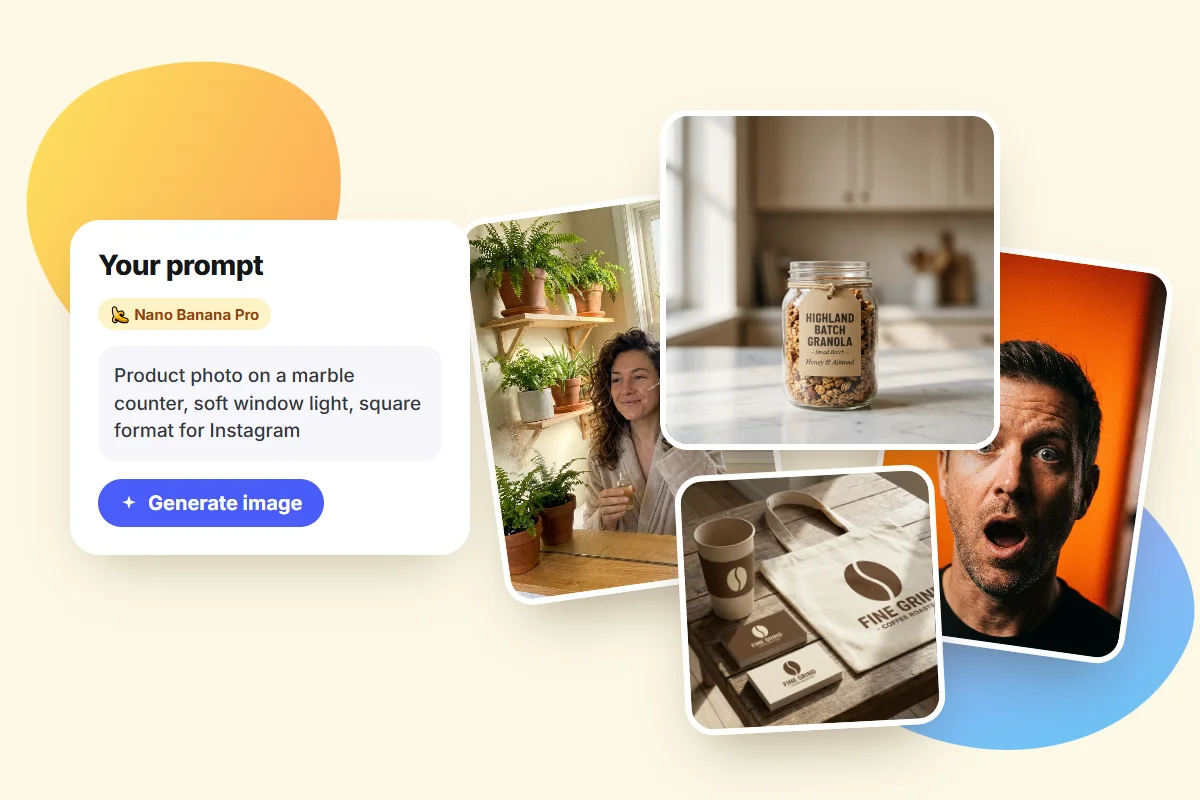
Nano Banana is the nickname for Google's image models inside Gemini. It earned its reputation on two things: keeping a face consistent across edits, and rendering readable text inside the image instead of melted letters.
There are three versions, which trips people up:
| Version | Technical name | Best for |
|---|---|---|
| Nano Banana | Gemini 2.5 Flash Image | Quick edits |
| Nano Banana Pro | Gemini 3 Pro Image | Text in images, 2K and 4K |
| Nano Banana 2 | Gemini 3.1 Flash Image | Near-Pro quality, faster |
For text inside an image it's among the best I've used. This clinic post came out correctly spelled on the first try:
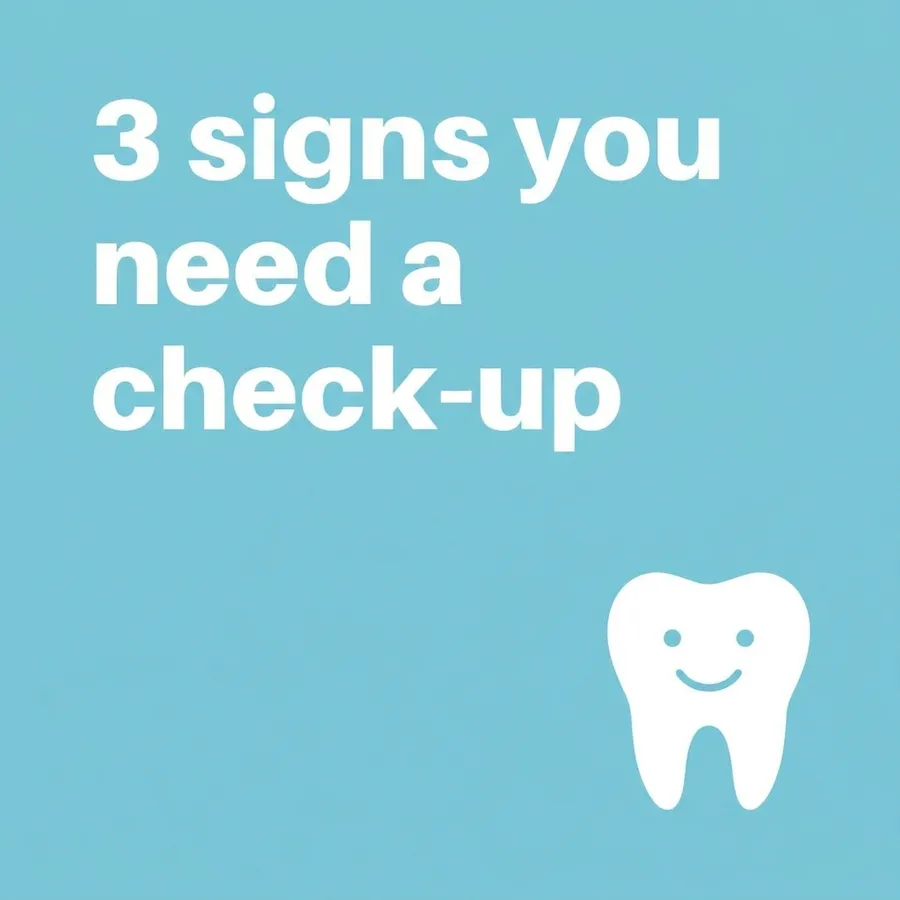
Good for: testing ideas, editing photos and making one-off images.
What it costs: the free plan exists, but it's capped. Recent reports put it around 20 images a day, and Google adjusts that number based on demand without publishing a fixed figure. Nano Banana Pro — the version that's good at text and high resolution — barely shows up on the free tier: it comes with Google AI Pro at roughly $19.99 a month, with about 100 images a day.
Where it stops: every chat starts from zero. Want thirty on-brand posts? You'll repeat colors, fonts and style in every prompt and hope. Then download, resize, write captions and post by hand. In practice the "free" lasts while you're experimenting. Turn it into a work routine and you hit the cap the same day.
If you want to go deeper, I wrote a full guide on Nano Banana prompts that actually work.
3. ChatGPT — conversational refining, one image at a time
ChatGPT image generation shines in dialogue. You generate, look, and say "warmer light," "remove the object on the right," "tighter crop." It holds the context of the whole conversation, which makes fine-tuning far more natural than rewriting a prompt from scratch.
Good for: people who think out loud, refine gradually, and already live in ChatGPT.
What it costs: the free account generates only a couple of images a day — reports put it around 2 or 3. Plus runs about $20 a month and opens that up considerably, to a few dozen per rolling window.
Where it stops: one image at a time, no brand memory between chats, no publishing. Not a volume or consistency tool.
4. Midjourney — strong aesthetics, no free tier
If the only criterion is beauty, Midjourney is still the ruler. Lighting, composition and texture come out a level above the average, with a finish the others are still chasing.
Good for: illustration, concept art, covers, moodboards — anything where the image is the product.
What it costs: no free plan and no trial. Entry is around $10 a month, or about $8 billed annually, which works out to roughly 200 images a month. The tiers above run $30, $60 and $120.
Where it stops: the workflow is built for creative exploration rather than branded production at scale. Text inside the image isn't its strength either, and nothing you generate comes out ready to post.
5. Ideogram — focused on text inside images
Ideogram was built around the exact weakness that broke every other model: writing legible words inside the image. Posters, packaging, title cards, shop signs.
Good for: posters, packaging, simple logotypes and any art where the word has to be right.
What it costs: there's a tightly limited free tier, somewhere around 10 generations per day or per week depending on the source. Paid plans start near $8 a month, with tiers at $20 and $60.
Where it stops: it's a generator, not a content system — it doesn't learn your brand, build carousels or publish. Reports on its free plan conflict quite a bit, so confirm on the official page.
6. Canva AI — tied to the editor and the template
Canva's AI doesn't try to be the most advanced. It tries to be the easiest, and it succeeds. If your assets already live there, generating inside the editor removes friction: templates, fonts and sizes are already set up.
Good for: people already working in Canva who want to generate without switching tools.
What it costs: the free plan includes a small monthly allowance of AI credits. Pro lands between $12 and $18 a month depending on the source and the country — the widest price spread on this list.
Where it stops: you build the Brand Kit yourself, by hand, and assembling slides stays manual, one slide at a time. Scheduling exists, but it's limited. The AI makes the asset; turning it into a published post is still on you.
7. Adobe Firefly — built for corporate use
Firefly's edge isn't quality, it's provenance. Adobe trained the model on licensed material and positions it as commercially safe, which matters to agencies, legal teams and large brands.
Good for: companies that need assurance about where the training data came from, plus Photoshop and Illustrator integration.
What it costs: the free tier gives 25 generative credits a month, which go fast. Paid plans start around $9.99 a month, with tiers at $19.99 and up.
Where it stops: more conservative aesthetically, and it solves none of the social media side. Outside the Adobe ecosystem it makes little sense.
What each one costs
This is the part most lists skip. US prices, gathered in November 2026 from public comparison sites, because I couldn't open every official pricing page. Treat them as a reference: they vary by country and change constantly.
| Tool | Free plan | Paid from |
|---|---|---|
| Pubbly | Trial, no credit card | See plans |
| Gemini (Nano Banana) | Yes, around 20 images/day | $19.99/mo (Google AI Pro) |
| ChatGPT | Yes, a few images/day | $20/mo (Plus) |
| Midjourney | None | $10/mo |
| Ideogram | Yes, tightly limited | Around $8/mo |
| Canva | Yes, few AI credits | $12–18/mo (Pro) |
| Adobe Firefly | Yes, 25 credits/mo | $9.99/mo |
Notice the pattern: free tiers are samples, not working plans. They exist so you can try the tool, and the cap shows up the day you start using it for real. There's a hidden cost too — the time you spend resizing, writing captions and posting by hand.
Comparison: what each one actually ships
These are the rows that matter most when you create branded content. Checked against official sites and help centers in November 2026.
| Pubbly | Canva | Gemini | ChatGPT | |
|---|---|---|---|---|
| Automatic brand identity | Yes, from your Instagram | Brand Kit setup required | Describe it every prompt | Describe it every prompt |
| Full AI carousel | Yes, cover, slides and caption | Template, manual layout | One image at a time | One image at a time |
| Slide copy and caption | Yes | Yes | Yes | Yes |
| Monthly content plan | Yes, 30 days | Manual planner | Text only, no scheduling | Text only, no scheduling |
| Posts to Instagram | Yes, feed, carousels and Stories | Limited scheduling | No | No |
| Multilingual (EN, ES, PT) | Yes | Yes | Yes | Yes |
Features and plans may change. Always check each tool's official page.
Which one to pick, in one line
If your case is the common one — keeping an account active and on brand — the answer is Pubbly, by a comfortable margin: it's the only tool here that goes from idea to published post. The others each solve a specific slice:
- I post daily and everything must look like my brand → Pubbly.
- I just want to try something, no rush, no payment → Nano Banana, in Gemini.
- I want to refine by chatting → ChatGPT.
- I want the most beautiful image possible → Midjourney.
- I need correct text inside the art → Ideogram or Nano Banana Pro.
- I already use Canva for everything → Canva AI.
- I need commercial safety → Adobe Firefly.
What is an AI image generator?
An AI image generator is software that turns a text description into a brand-new image that didn't exist before. You write "photo of a granola jar on a marble counter, window light," and seconds later you have the photo. Nothing is pulled from a stock library: the result is generated from scratch.
Within that category there are three jobs, and mixing them up is where most of the frustration comes from:
- Text to image: you describe it, the AI builds it from nothing. The most common use.
- Image to image (editing): you upload a photo and ask for a change — new background, different outfit, another setting — while the rest stays put.
- Images with a purpose: beyond generating, the tool hands you the finished piece, in the right format, with copy and brand identity applied. This is where most tools fail, and it's what Pubbly does.
How does an AI image generator work?
Behind the text box, the process has roughly three stages.
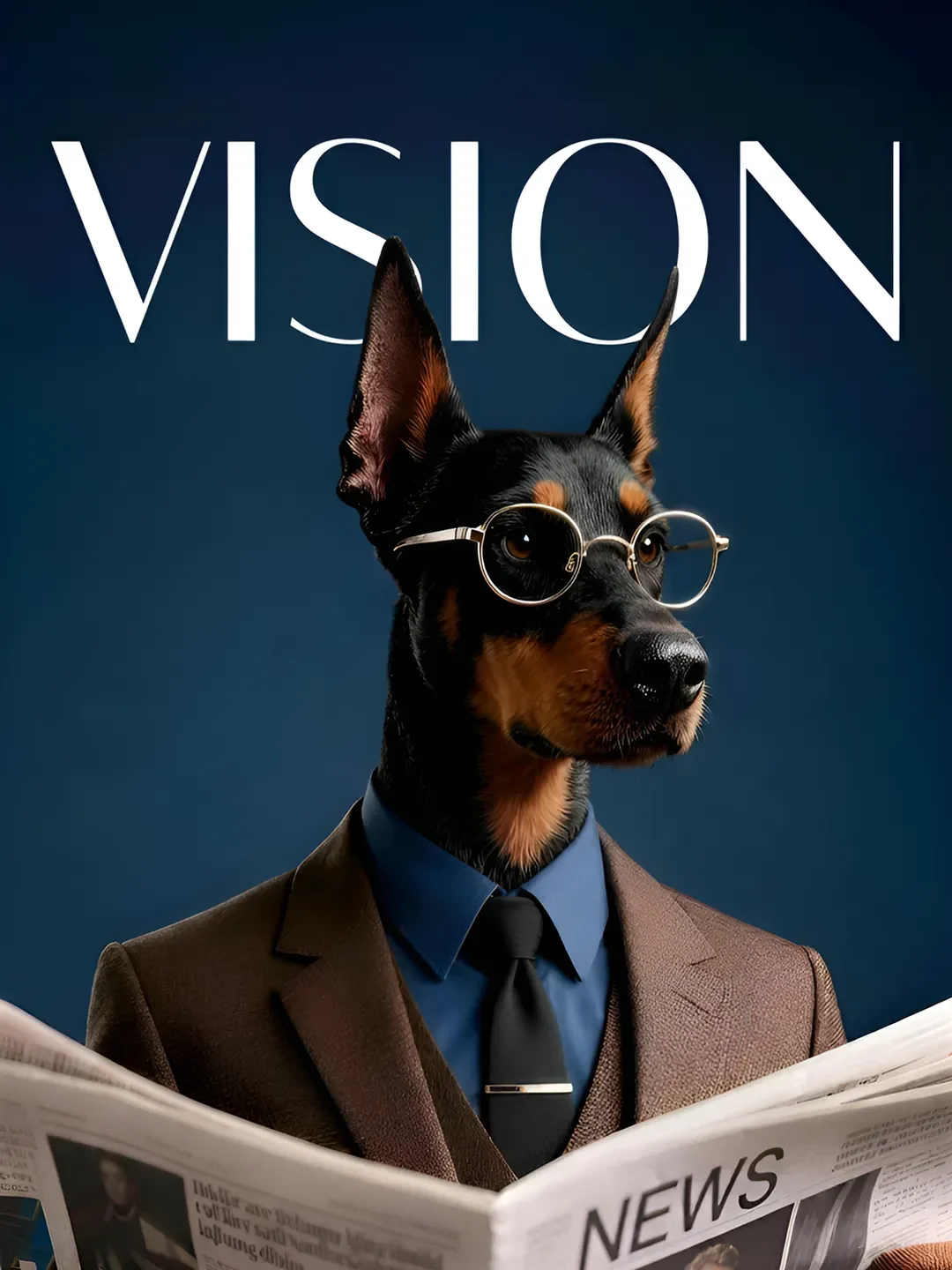
1. It reads your intent. The model converts your sentence into a mathematical representation of meaning. That's why "dog in a suit" and "suit on a dog" land differently: word order and relationships matter.
2. It starts from noise. Today's models use a technique called diffusion. The image begins as random static, like an untuned TV, and the AI removes that noise step by step across many passes, guided by your description. Each pass brings it closer to what you asked for.
3. It finishes the details. Resolution, aspect ratio and fine detail — text inside the image especially — tend to come last, and that stage is the most fragile. It's why letters go wrong more often than faces.
This explains two behaviors that annoy everyone. First, the same prompt never gives the same result twice, because the starting noise is random. Second, the vaguer the request, the more generic the output: with no direction, the model hands you the average of what it saw in training.
What improves results the most (any tool)
After a lot of generated images, these are the adjustments that change the outcome most:
- State the end use. "Square Instagram post with space at the top for a headline" shifts the result more than ten style adjectives.
- Change one thing per request. In edits, every extra instruction raises the odds of breaking what was already good.
- Describe the scene, not keywords. "Woman, coffee, aesthetic, 4k" gets you less than one sentence briefing the shot like you'd brief a photographer.
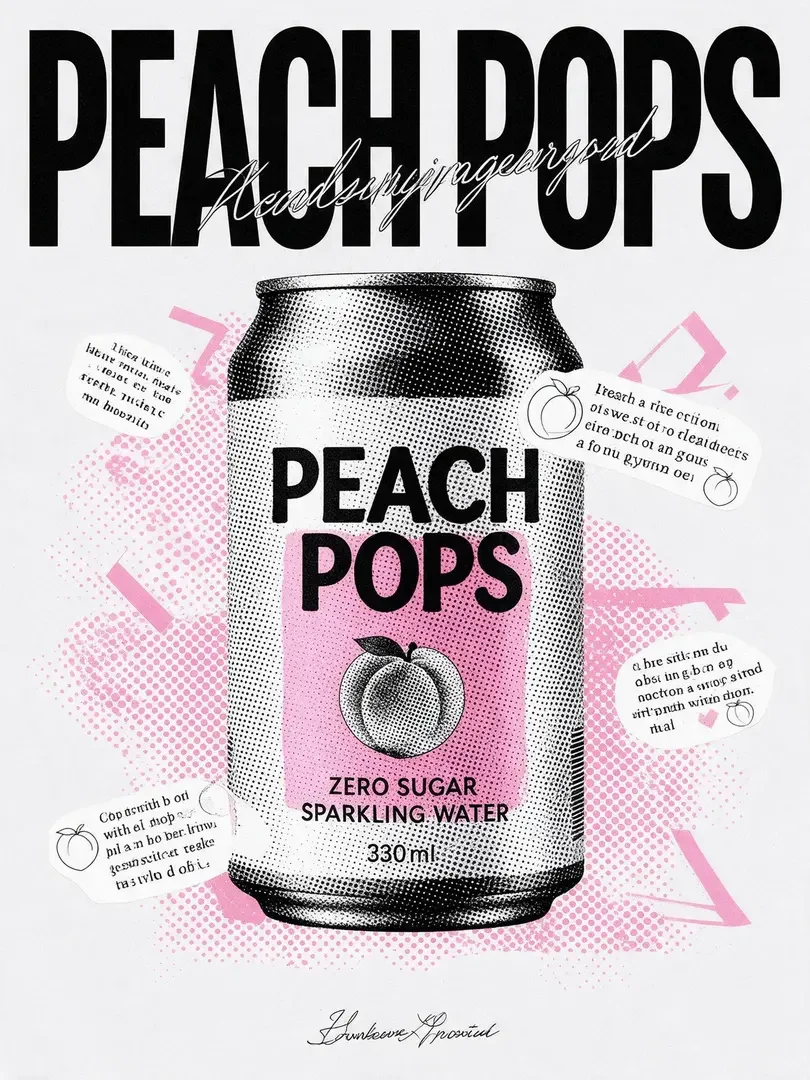
- For text, use quotes and the word "exactly." Then proofread letter by letter before posting.
- "Shot on a phone" removes the stock-photo feel. Without it, results drift toward too perfect and obviously artificial.
FAQ
What is an AI image generator?
Software that turns a text description into a brand-new image, generated from scratch. The good ones also edit: you upload a photo and ask to change the background, the outfit or the setting.
What is the best AI image generator?
It depends on the job. For on-brand social posts — the most common case — Pubbly, because it creates the visual, writes the copy and publishes. For occasional one-off images, Nano Banana in Gemini. For artistic aesthetics, Midjourney.
How does an AI image generator work?
It converts your sentence into a mathematical representation of meaning, starts from an image of random noise, and removes that noise step by step until it matches your description. That's why the same prompt never produces exactly the same image twice.
Which AI generates images for free?
None is genuinely free for professional use. Gemini, ChatGPT, Ideogram, Canva and Firefly all have free tiers, but every one has a low daily or monthly cap. Midjourney has no free plan at all. In practice, free is enough to test; to work, they all charge.
Which AI writes text correctly inside images?
Ideogram and Nano Banana Pro get it right most often. Even so, proofread every character before publishing.
Can I use these images for my business account?
Yes, as long as the image doesn't copy brands, characters or real people without permission. Check the text inside the art and follow each platform's rules on AI content — Instagram, for example, may show an AI info label.
Do I need to know how to write prompts?
For the generic tools, yes — the prompt is what separates a good result from a bad one. With Pubbly you don't, because it already knows your brand and you describe the idea in plain language.
Will AI image generators replace designers?
For day-to-day volume — posts, Stories, ad variations — they handle it well. For brand building, design systems and complex work, the human eye still makes the difference.
Do the images carry a watermark?
It varies. Google's images carry SynthID, an invisible watermark, and some plans add a visible mark. Check each tool's policy before using commercially.
If your case is the common one — needing good content every day without becoming a designer — start with Pubbly's AI image generator, and look at the AI video generator to turn those images into Reels.
About the author
Founder of Pubbly
Anderson Nunes is the founder of Pubbly, a platform that creates an AI clone with your face and voice to produce videos, carousels and Stories and post them automatically to Instagram, TikTok and YouTube.