Best AI Video Generators in 2026 (Sora Is Gone)
 Anderson NunesFounder of Pubbly
In this article
- What is an AI video generator?
- How does AI video generation work?
- The 7 best AI video generators in 2026
- 1. Pubbly — best AI video generator for social media
- 2. Google Veo (in Flow) — realistic scenes with audio
- 3. Kling — free with a daily cap
- 4. Runway — camera control and editing
- 5. HeyGen — sales avatars and many languages
- 6. Synthesia — training and internal comms
- 7. Higgsfield — cinematic look
- What about Sora? It's been discontinued
- What each one costs
- Comparison: what each one actually ships
- Which one to pick, in one line
- What improves results the most (any tool)
- FAQ
An AI video generator builds a video from what you type — no camera, no crew, no studio. You describe the scene or write the script, and the video comes back in minutes.
Choosing one has gotten confusing, though. Half the lists ranking on Google still recommend Sora, which no longer exists: OpenAI shut the app down in April 2026. And almost none of them explain the distinction that actually decides your choice — the difference between generating a scene and generating a video with you in it.
I'll cover that distinction first, because it determines which of these seven tools fits your case.
Key takeaways
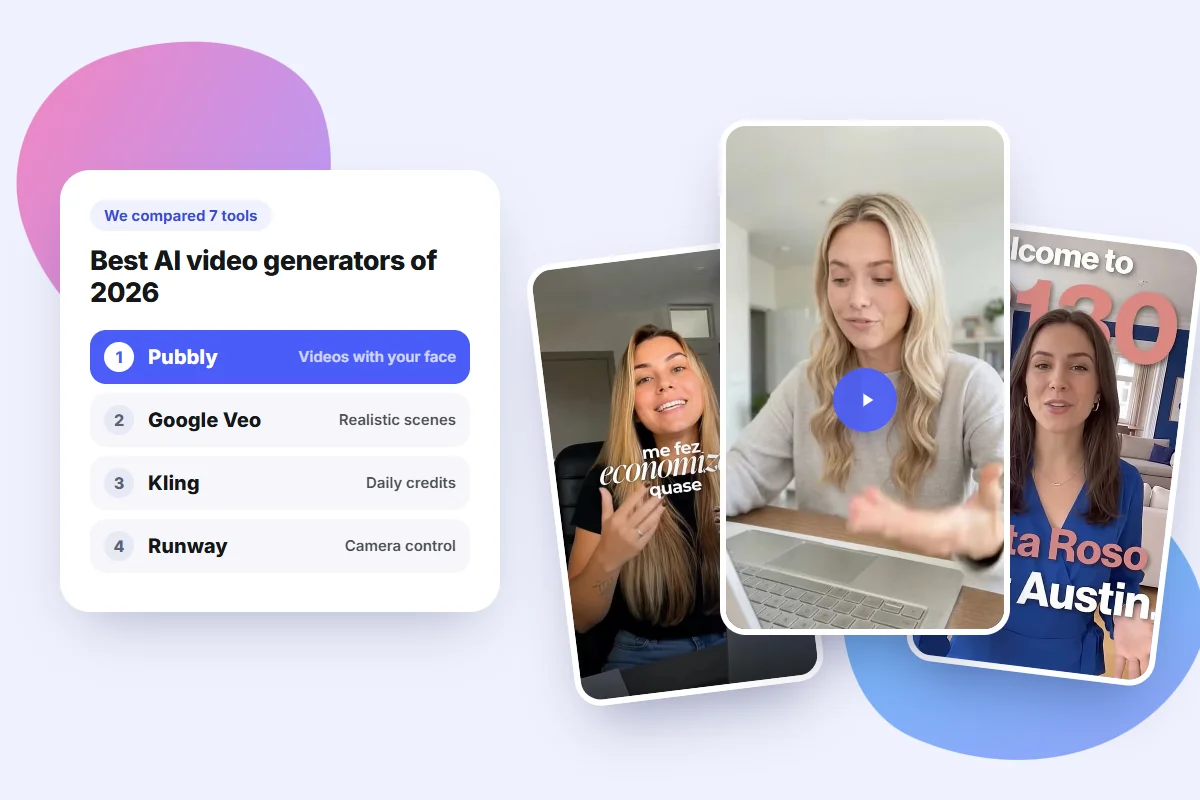
- For social videos with your face and your brand, Pubbly is the best option: it writes the script, makes the video and publishes it.
- Sora has been discontinued. Any list still recommending it is out of date.
- None of them is genuinely free. Free tiers come with daily caps, watermarks or very short clips.
- Generated scenes still come out in short clips, usually 5 to 10 seconds. Longer video means stitching.
- For brand content, consistency beats spectacle: the same face and the same tone in every video.
What is an AI video generator?
It's a system that creates a new video from an instruction, without a camera. That instruction can be text ("a woman walking down a wet street at night"), an image that gets animated, or a script an avatar will deliver.
There are three families, and knowing which you need saves a lot of frustration:
- Text to video: you describe a scene and the AI invents all of it. The most impressive and the least controllable.
- Image to video: you upload a photo and it gains motion. Far more control over the result.
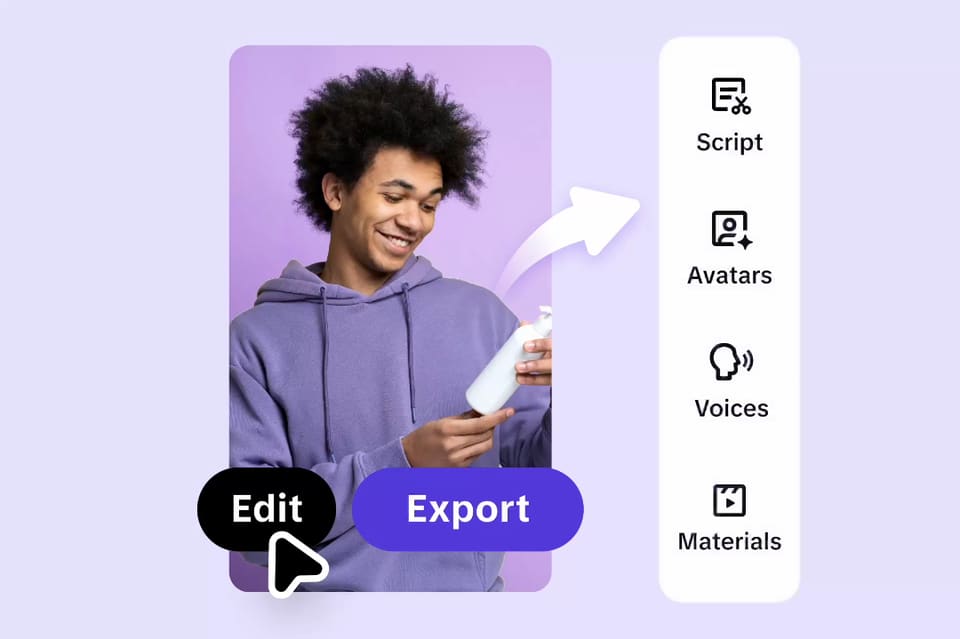
- Avatars and clones: the AI animates a face, real or synthetic, delivering a script with synced voice. This is the basis of content with you in it.
How does AI video generation work?
You don't need the engineering to use these tools well, but three things explain almost every frustration with AI video.
It doesn't build the video frame by frame. The AI starts from something like static — that scrambled picture on an untuned TV — and gradually clears it until your scene appears. The key detail is that it does this across the whole clip at once, not one frame at a time. That's what keeps a face looking the same from start to finish.
Video costs far more than images. An image is one frame. A 10-second video is hundreds, and all of them have to agree with each other. That's why tools cap clip length, almost always between 5 and 10 seconds per generation.
The result never repeats. Because that initial static is random, the same description produces different videos every attempt. Great for exploring ideas, terrible for keeping the same character across every post.
That last point is exactly what separates scene tools from content tools. When your face has to be identical in every video, luck isn't a strategy: you need a fixed clone, trained once and reused every time. Clone-based video adds two more pieces — voice cloning, which learns how you speak from a short audio sample, and lip sync, which matches your mouth to every word.
The 7 best AI video generators in 2026
Before the list, how I got to it. I use Pubbly every day to generate videos for real clients, so that section is daily use, not a lab test. For the other six, I checked official sites, help centers and shutdown notices in November 2026.
Prices quoted are US figures and serve as a reference: they vary by country and change constantly. The video examples in this article were made in Pubbly.
1. Pubbly — best AI video generator for social media
Pubbly is the right pick when the video has a destination: your feed.
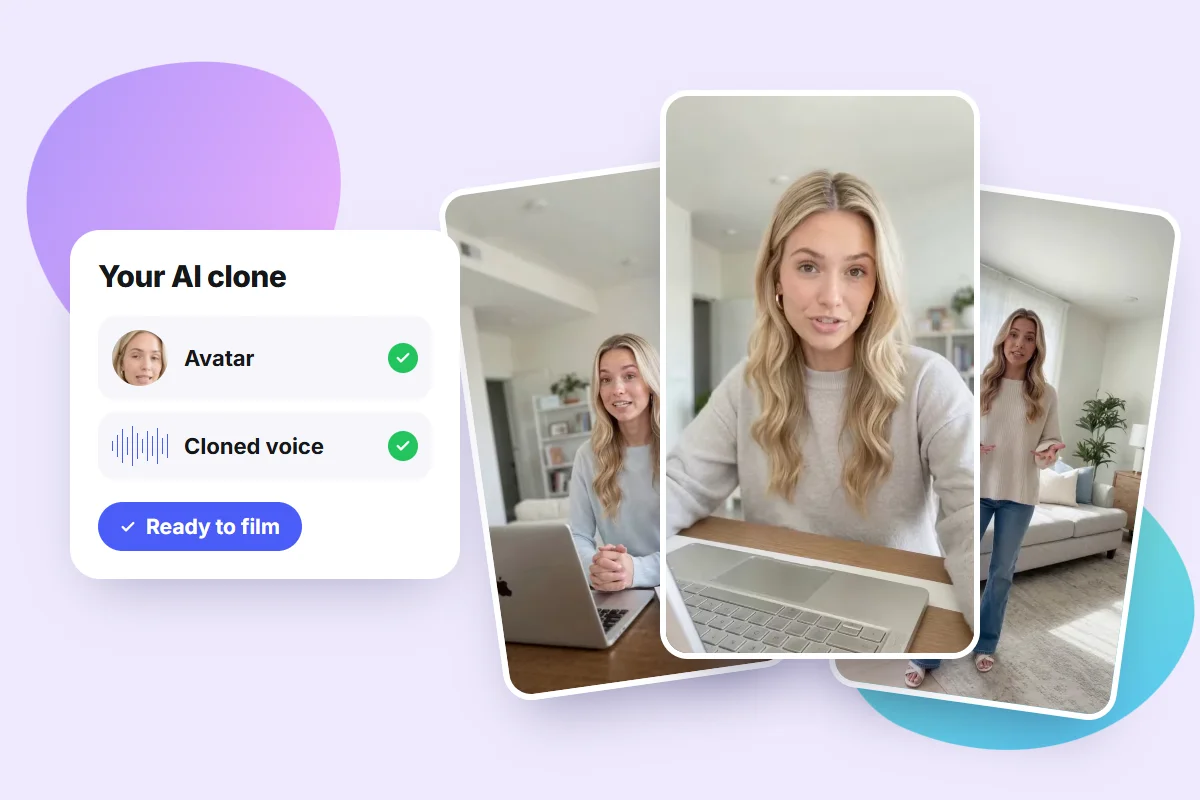
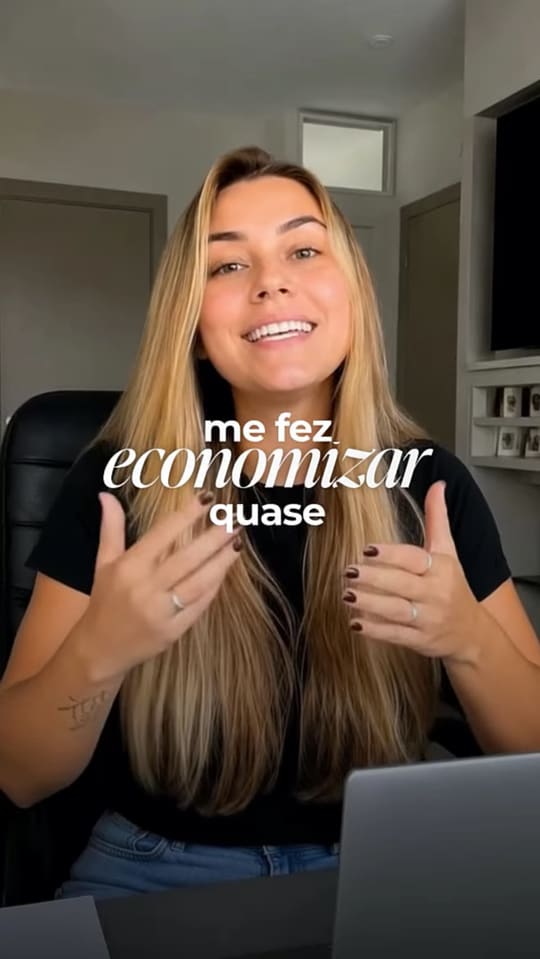
The difference is what happens before and after generation. You enter your Instagram handle and Pubbly builds your brand DNA: colors, style, audience and tone of voice. From one photo and a short voice sample, it creates your AI clone. After that you describe the topic and get a vertical video back, with your face, your voice and animated captions.

This is where it separates from the rest: the others hand you a file and stop. You still have to download, trim, caption, write the post copy and upload to each platform. Pubbly covers that whole path.
What it does that the others don't:
- A clone with your face and voice, built from one photo and a short clip recorded on your phone.
- AI-written scripts in your brand's tone, not generic filler.
- Animated captions already styled for Reels and TikTok.
- A 30-day content plan: the agent proposes the month, you approve.
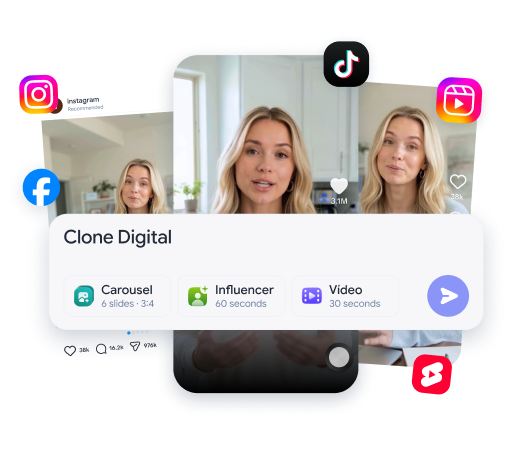
- Auto-publishing to Instagram, TikTok, Facebook and YouTube at the best time.
It also works if you'd rather not be on camera: you can use an AI presenter, product videos and UGC-style content.
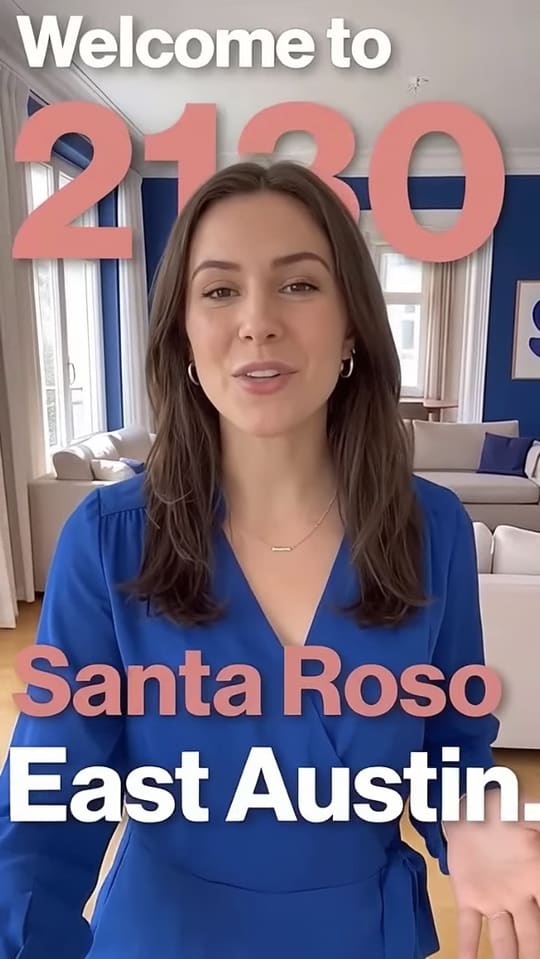
Best for: licensed professionals (doctors, dentists, lawyers, therapists, nutritionists), stores, creators and small businesses that need to post consistently.
The honest caveat: Pubbly is built for short social video — Reels, TikTok, Shorts. If you want a five-minute film with cinematic art direction, Higgsfield or Veo deliver more.
2. Google Veo (in Flow) — realistic scenes with audio
Veo, Google's video model, powers Flow and generates realistic scenes from text and reference images. The most-cited advantage is native audio: clips come out with ambient sound and dialogue instead of silent.
Good for: cinematic scenes, product video and testing a visual idea.
What it costs: access comes through Google's plans. AI Pro runs around $19.99 a month, with a far more expensive Ultra tier above it. Some Google products include a small number of free generations, but the count varies and isn't fixed.
Where it stops: each generation is short, so longer videos mean stitching clips. Keeping the same character across clips relies on reference images, and the face can still drift. It doesn't clone your voice and doesn't publish.
3. Kling — free with a daily cap
Kling has become the usual entry point for testing video generation without paying. Motion quality is good and the free plan grants daily credits.
Good for: testing, learning and generating one-off scenes with no commitment.
What it costs: the free plan gives credits that refresh daily, though sources disagree quite a bit on the exact number. Paid plans start near $7 a month, the cheapest on this list.
Where it stops: it's a scene generator. No clone of your face, no scripts in your brand voice, no publishing. Daily credits disappear fast once you use it for real work.
4. Runway — camera control and editing
Runway is the closest thing to an editing suite with AI built in. Beyond generating, it gives fine control over camera movement and includes editing tools the others lack.
Good for: people who already edit video and want creative control, not just a generate button.
What it costs: the free option is a one-time starter credit grant rather than a renewing quota, which makes it a trial more than a plan. Paid tiers start around $12 to $15 a month.
Where it stops: there's a learning curve. For someone who just wants to post daily, it's more tool than the problem needs.
5. HeyGen — sales avatars and many languages
HeyGen is one of the best-known avatar tools. It builds an avatar from video or a photo, clones your voice, and is strong at translation and dubbing across languages.
Good for: sales outreach, presentation video and multilingual content.
What it costs: the free tier is tight — a few videos a month, roughly a 1-minute cap each, and a watermark on exports. The first paid plan sits around $29 a month.
Where it stops: once rendered, you download and upload by hand to each platform. It doesn't learn your brand from Instagram or plan your month.
6. Synthesia — training and internal comms
Synthesia is built for companies: training videos, onboarding and internal announcements, with a large library of avatars and languages.
Good for: HR teams, corporate learning and video manuals.
What it costs: there's a free tier with around 10 minutes of video. Starter runs about $19 a month, with much pricier tiers above.
Where it stops: creating a personal avatar requires recording a video plus a consent video. The style is corporate, and there's no social publishing.
7. Higgsfield — cinematic look
Higgsfield is known for camera effects and a film-like aesthetic. It also builds avatars from a photo and clones voices.
Good for: creative videos, music-video style clips and cinematic scenes.
What it costs: it runs on credits across several paid tiers. Pricing changes often, so check the official site.
Where it stops: because it's built for creative exploration, keeping an identical face across every video takes more attempts. Publishing is manual.
What about Sora? It's been discontinued
Worth flagging, because plenty of lists still recommend it. OpenAI retired Sora: the app and web experience went offline on April 26, 2026, and the API was shut down on September 24, 2026, according to OpenAI's own help center. No replacement video model has been announced.
Practically: if you found a Sora tutorial, it's out of date. And it's a reminder to keep your assets saved outside any single tool.
What each one costs
US prices, gathered in November 2026 from public comparison sites, because I couldn't open every official pricing page. Treat them as a reference: they vary by country and change constantly.
| Tool | Free plan | Paid from |
|---|---|---|
| Pubbly | Trial, no credit card | See plans |
| Google Veo (Flow) | Limited, varies by product | $19.99/mo (Google AI Pro) |
| Kling | Yes, daily credits | Around $7/mo |
| Runway | One-time starter credits | $12–15/mo |
| HeyGen | Few videos, watermarked | Around $29/mo |
| Synthesia | Around 10 minutes | Around $19/mo |
| Higgsfield | Limited credits | Varies by plan |
Notice that free tiers in video are even thinner than in images. Video is expensive to process, so quotas run out fast. And there's a hidden cost: the time spent trimming, captioning and uploading each video by hand.
Comparison: what each one actually ships
These are the rows that matter most when you produce branded content. Checked against official sites and help centers in November 2026.
| Pubbly | HeyGen | CapCut | Higgsfield | |
|---|---|---|---|---|
| Avatar with your face | Yes, from one photo | Yes | Yes | Yes |
| Voice clone | Yes | Yes | Yes | Yes |
| AI-written script | Yes | Yes | Yes | Only through the agent |
| Animated captions | Yes | Yes | Yes | Only via prompt |
| Learns your brand from your handle | Yes, colors, style and tone | No | No | No |
| Monthly content plan | Yes, 30 days | No | Calendar templates only | Weekly calendar |
| Posts to Instagram and TikTok | Yes, publishes and schedules | Download and upload | Share, no scheduling | Download and upload |
| Multilingual (EN, ES, PT) | Yes | Yes | Yes | English only |
Features and plans may change. Always check each tool's official page.
Which one to pick, in one line
If your case is the common one — keeping a feed active with videos of you — the answer is Pubbly, by a comfortable margin: it's the only one that goes from script to published post. The others each solve a slice:
- I want to post my own videos every week → Pubbly.
- I want a realistic cinematic scene → Google Veo, in Flow.
- I want to test without paying → Kling.
- I want camera control and editing → Runway.
- I need multilingual sales video → HeyGen.
- I need corporate training video → Synthesia.
- I want a music-video look → Higgsfield.
What improves results the most (any tool)
- Describe the motion, not just the scene. "The camera slowly pushes in on her face" changes more than ten adjectives.
- State the aspect ratio. Vertical 9:16 for Reels and TikTok. Without it, you crop your subject's head.
- Keep scripts short. 30 to 60 seconds with direct sentences sounds more natural in avatar video.
- Clean audio in the voice sample. Record somewhere quiet, phone a hand's width from your mouth. It's the biggest factor between a convincing clone and a robotic one.
- One change at a time. Asking for a new setting, outfit and lighting in one sentence usually breaks what was already working.
- The first second is everything. On Reels and TikTok, if the hook doesn't land, the rest of the video doesn't exist.
FAQ
What is the best AI video generator?
It depends on the job. For social videos with your face and brand — the most common case — Pubbly, because it writes the script, makes the video and publishes. For cinematic scenes, Google Veo. For free testing, Kling.
Is there a free AI video generator?
None is genuinely free for professional use. Kling, Synthesia, HeyGen and Runway have free tiers, but with daily caps, short durations or watermarks. Video is expensive to generate, so quotas are tighter than for images.
Does Sora still work?
No. OpenAI shut down the app and web experience in April 2026 and the API in September 2026, and hasn't announced a replacement video model.
Which AI makes video with my face?
Pubbly, HeyGen, Synthesia and Higgsfield all build an avatar from a photo or video. Pubbly is the only one that also writes the script in your brand's tone and publishes to your platforms.
Can AI make long videos?
Not directly. Generations come out in short clips, usually 5 to 10 seconds, and longer pieces require stitching. Avatar videos delivering a script can run much longer, because the mechanism is different.
Do I have to appear in the video?
No. You can use an AI presenter, product videos or UGC-style content. But for building authority, your own face usually earns more trust.
Can I use these videos for my business account?
Yes, as long as you only clone yourself or have permission from whoever appears. Label AI content when the platform asks — Instagram, for example, may show an AI info label.
If your case is needing good video every week without building a studio, start with Pubbly's AI video generator, and look at the AI clone to show up without turning on a camera.
About the author
Founder of Pubbly
Anderson Nunes is the founder of Pubbly, a platform that creates an AI clone with your face and voice to produce videos, carousels and Stories and post them automatically to Instagram, TikTok and YouTube.